
If you recently moved to Mac from Windows operating system and facing difficulty in accessing .pst files in Mac Outlook without trouble! Then not to worry at all, just follow the article and you will discover a remarkable procedure that will help users opening PST on Mac Outlook by converting PST to OLM with emails, contacts, calendars, tasks, notes, and journals.
Microsoft Outlook is a recognized application that is designed by Microsoft for Mac & Windows. In Windows, Outlook save users’ database into PST. And it is a format which is not acceptable by any other email application. Outlook for Mac is completely same as Windows Outlook. But it save users database in file because Mac Outlook version is built as per Mac specifications. Thus, PST files are not easily viewable on Mac. So, in order to open PST on Mac Outlook, it is necessary to convert PST to OLM. Although, there are some Mac Outlook versions available that provide inbuilt Import option to import only the necessary files. But the process is only suitable if the files are less. In case they are present in large amount, then implement the solution discussed in the next section.
Opening PST on Mac Outlook using Automated Solution
The simple way to open PST on Mac Outlook is by utilizing MacMister PST Converter for Mac application. The software is user-friendly, advanced, and reliable. It has dual buttons such as Add File(s)/Add Folder buttons that allow users uploading required files on the software panel for conversion. Furthermore, it is programmed with an intuitive interface which is manageable by users effortlessly.
Besides OLM, users will receive over 15 saving options to open PST files. Also, there are many features available which allow users to perform the necessary task according to specific requirements. Download software free demo version to understand the conversion steps of the app for free.
Working Steps of the App for Opening PST on Mac Outlook in Easy Steps
Step 1. Download and operate MacMister PST to OLM on Mac-based system.
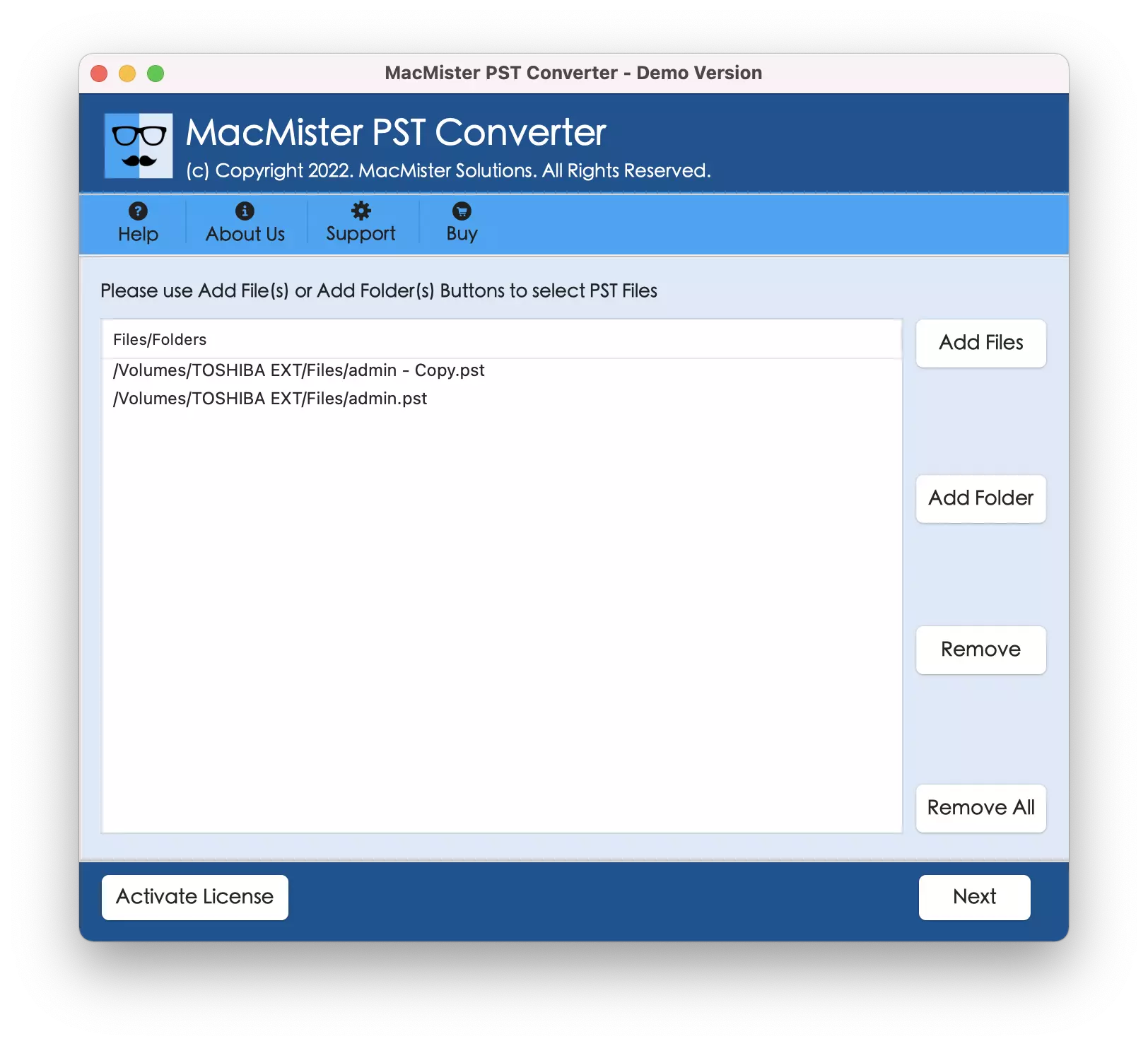
Step 2. Go to right pane of the app and make use of dual buttons (Add File(S)/Add Folder) to add PST files on the tool. The Add File(s) button help users to add crucial .pst files on the tool and the Add Folder button allow users to load a complete folder having multiple .pst files on the application for batch conversion. Tap Next to proceed.
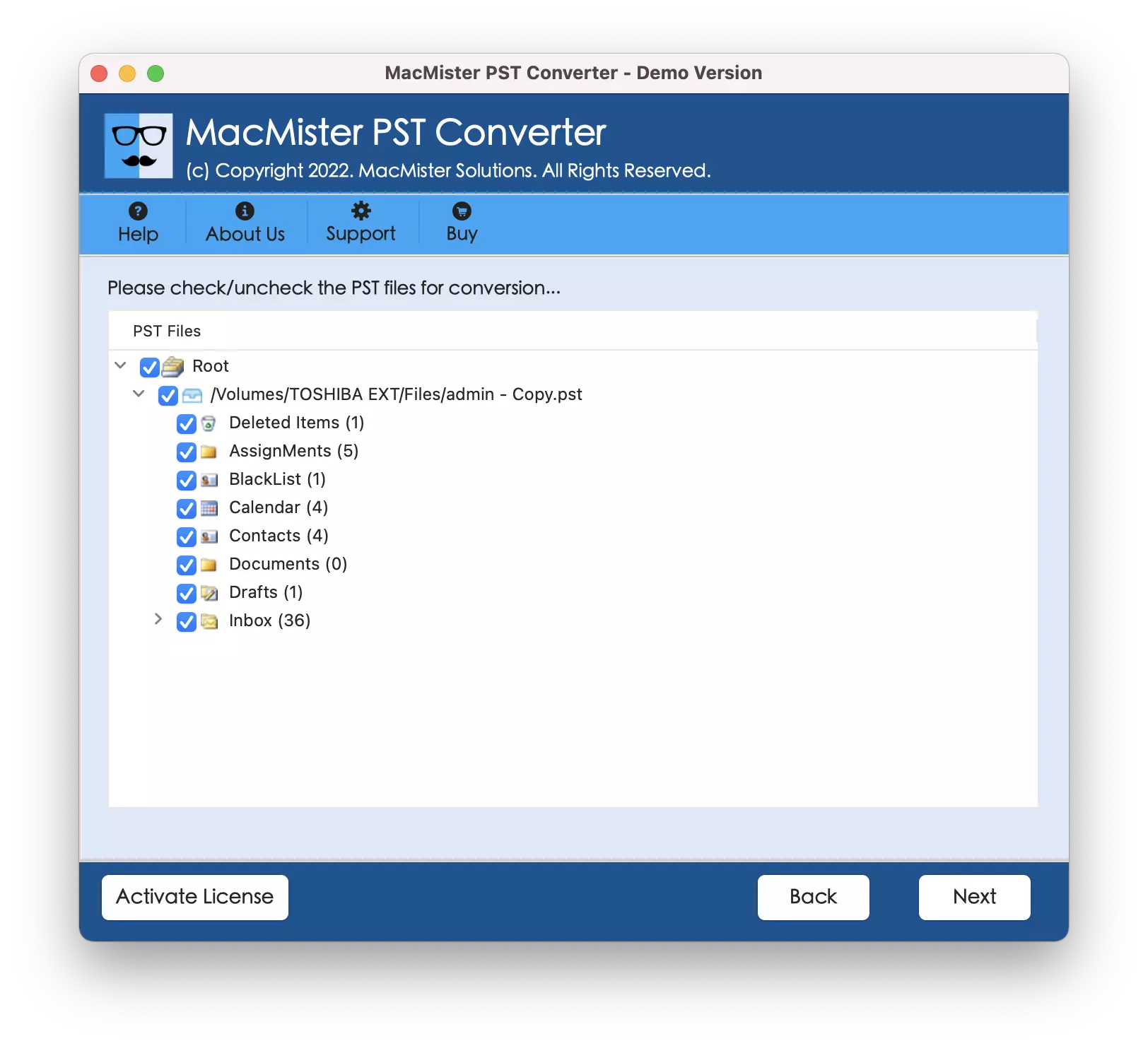
Step 3. Now, the application will show .pst files with checkboxes one-by-one. These checkboxes are used to transfer selected .pst files, if required. Otherwise, select the checkboxes of all the listed files and click Next.
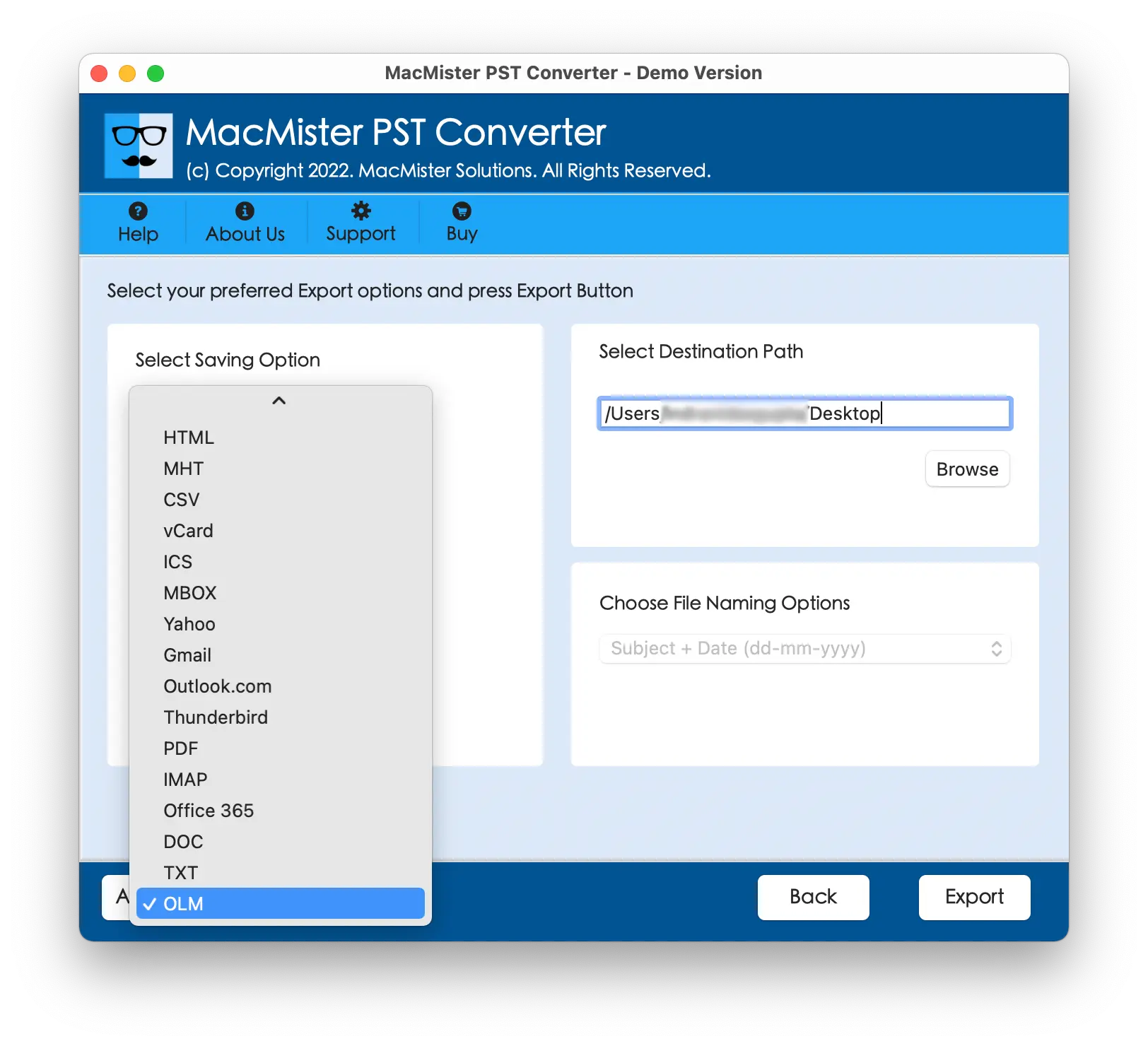
Step 4. On the next screen, click Select Saving Options and select OLM saving option.
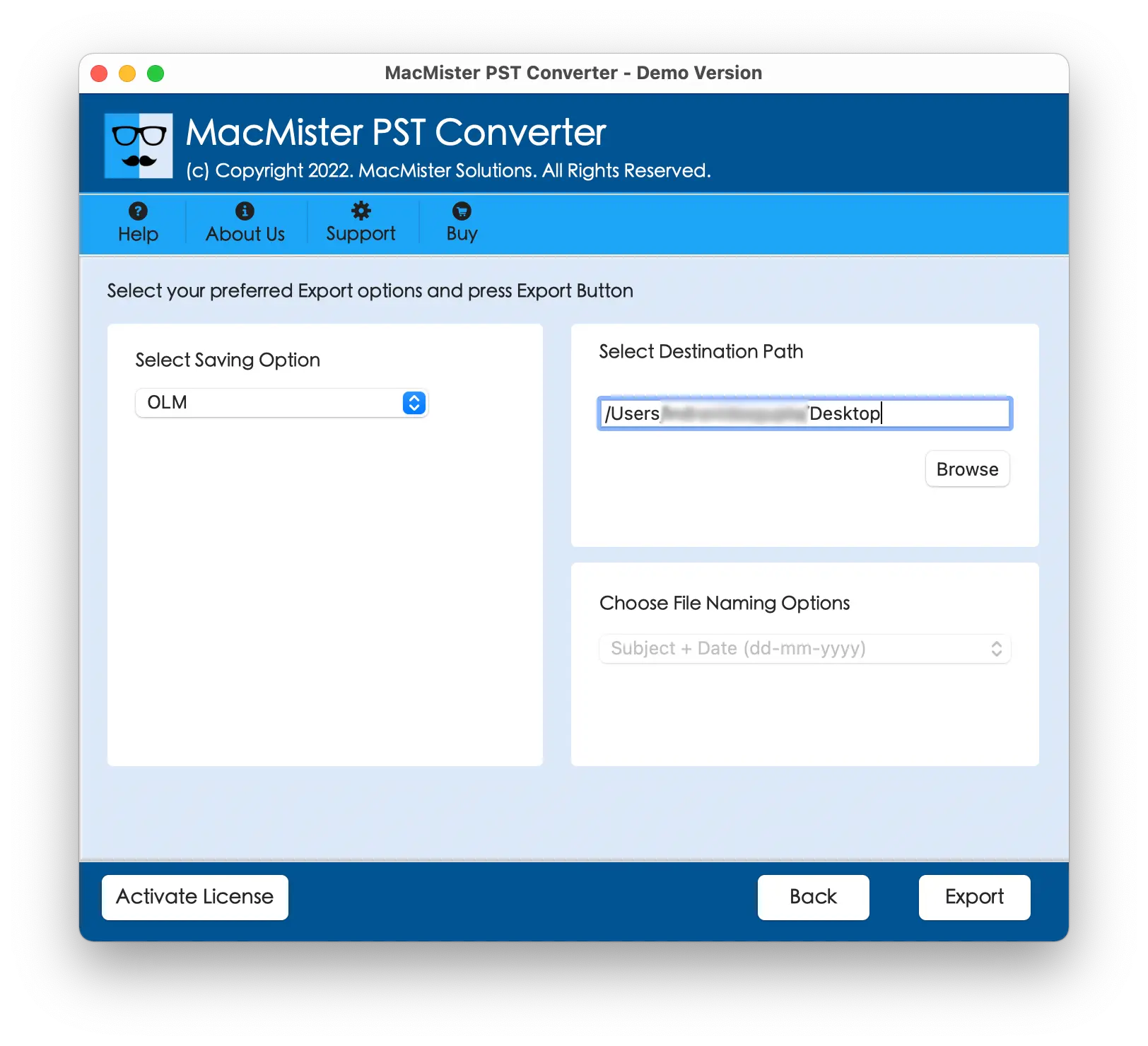
Step 5. Set OLM sub-options according to your needs and click Export button.
Step 6. The tool will show Live Conversion Report that shows the live conversion of PST files to users.
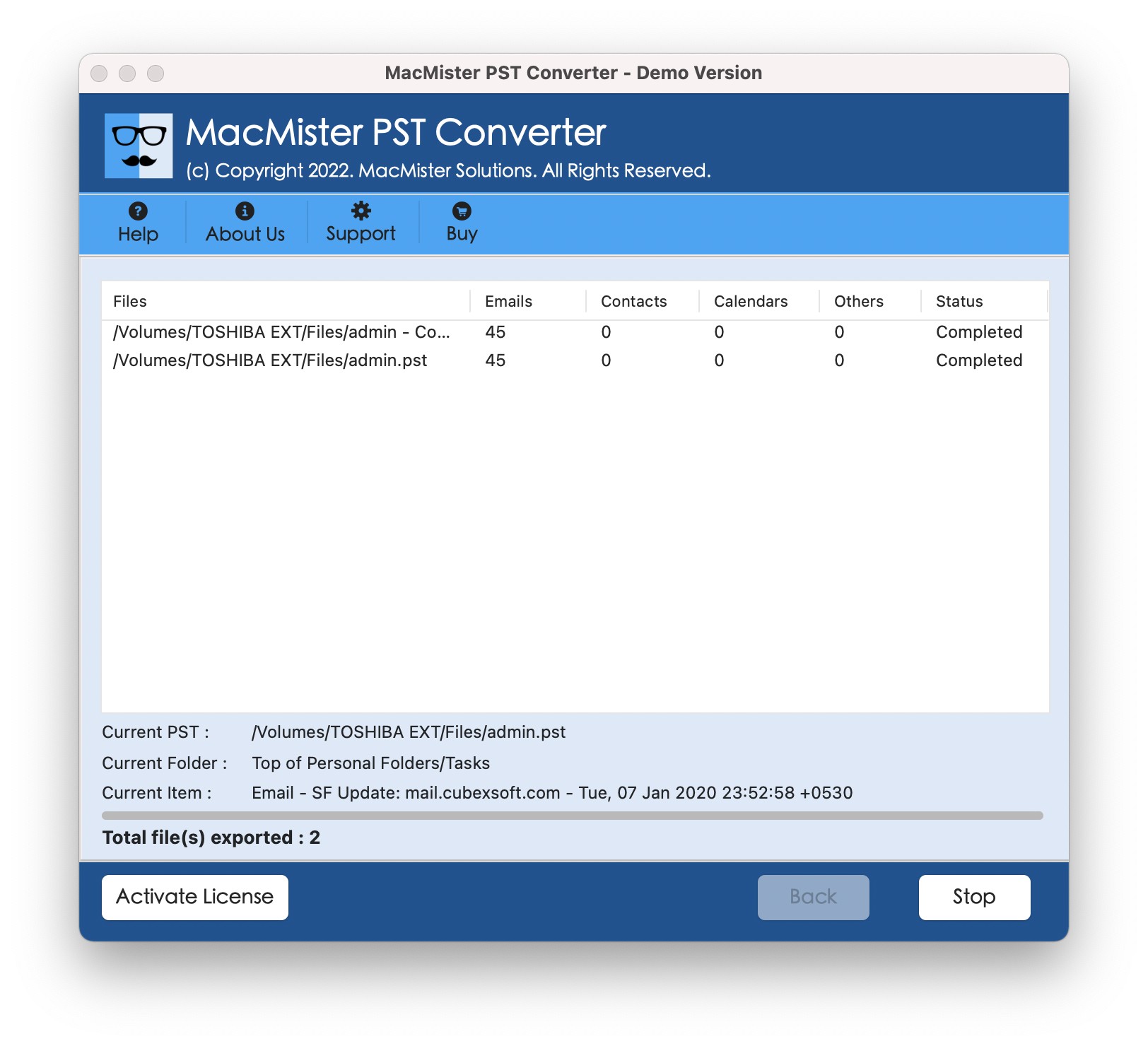
The entire conversion will be finished with a message “Conversion Completed”. Click OK and go to Outlook for Mac email application to access resultant files. Follow the below steps for the same –
- Open Outlook on a Mac machine.
- Click Tools and choose Import
- Select Outlook for Mac archive file (.olm)
- Click Continue.
- Go to the location of .olm files, select them, and click Import.
The import process will end immediately, then the imported files will display on the left side of Outlook email client under On My Computer. The folder structure will be accurate and the original database will be precise as well.
Overall, it is a best method for opening PST on Mac Outlook with emails, contacts, and calendars.
Benefits of using MacMister PST Converter Tool
- Supports batch conversion of PST files at once.
- Able to open PST file in Mac Outlook with all the data items such as emails, calendars, contacts, tasks, and notes.
- Friendly GUI and intuitive platform will ease the conversion for all types of users.
- Equipped with 15+ saving types other than OLM such as EML, HTML, DOC, IMAP, Yahoo, Office 365, and more.
- Folder structure of PST file remains intact throughout conversion.
- Original database will also be shown without alteration during conversion.
- Help users performing the task on the entire range of Mac OS including Mac OS Sequoia.
Conclusion
The write-up here discussed an amazing approach for opening PST on Mac Outlook with emails, contacts, calendars, and other items. MacMister PST Converter for Mac is effective, reliable, and safe. Its friendly GUI is operable by all users easily. Even, the advanced features of the app will help users opening PST on Mac Outlook according to the requirements. Download a freeware version of the app to understand the process deeply. It also allows to open 25 PST files free of cost.