
When a label printer fails in the middle of a busy production line, the consequences ripple quickly-delays, mislabeling, and costly downtime. Industrial label printers aren’t just gadgets; they’re the backbone of operations in warehouses, manufacturing plants, and logistics hubs. They need to be tough, fast, and reliable, handling everything from harsh chemicals to extreme temperatures without missing a beat.
What Makes an Industrial Label Printer Different?
Not all label printers are created equal. The ones designed for demanding environments have to go beyond printing clear barcodes and crisp text. They must withstand abuse and keep running.
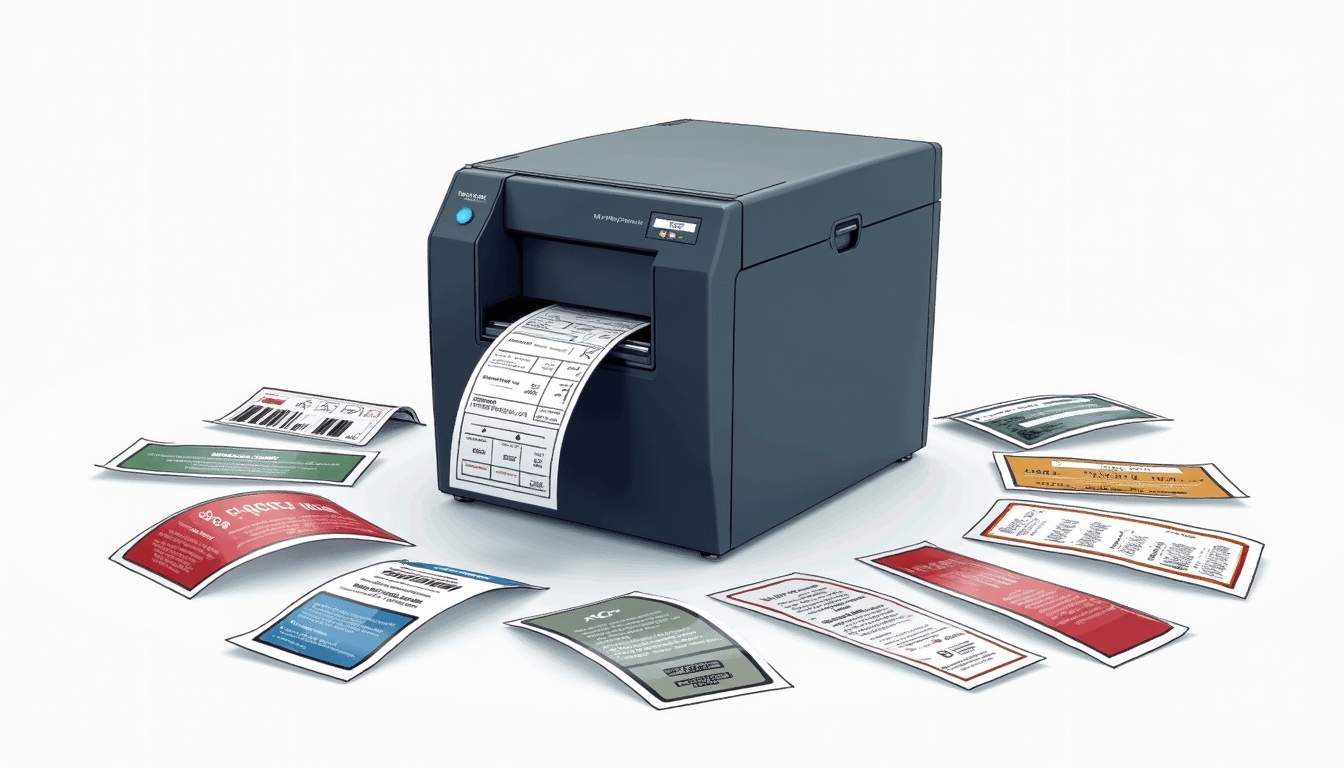
Industrial label printers typically feature rugged metal frames instead of plastic casings, which helps them survive bumps and drops. Their internal components are engineered to resist dust, moisture, and temperature swings that would cripple standard office printers.
Speed and volume are other critical factors. These printers often churn out hundreds or thousands of labels daily, so they need fast print speeds and large media capacities to minimize downtime for reloading.
Durability and Build Quality
In environments like factories or outdoor shipping yards, printers face dirt, grease, and vibrations. Industrial label printers use sealed electronics and heavy-duty motors to keep functioning under these conditions. Some models even have IP-rated enclosures, offering protection against water and dust ingress.
Choosing the right printer means considering the environment it will operate in. For example, a printer in a refrigerated warehouse must handle cold temperatures without freezing or jamming. Additionally, many industrial printers are designed with shock-absorbing features that mitigate the impact of drops, ensuring that they can continue to operate effectively even in high-risk areas. This robust construction not only extends the lifespan of the printer but also reduces the total cost of ownership by minimizing the need for repairs and replacements. For high-quality printing needs, self adhesive labels from Libra Labels, a leading supplier and manufacturer of self-adhesive labels in South Africa, ensure durability and reliability in any environment.
Print Quality and Versatility
Labels need to be readable and scannable, even after exposure to harsh conditions. Industrial printers use thermal transfer technology, which applies ink ribbons to create durable images that resist smudging and fading.
They also support a variety of label materials—synthetic films, heavy paper stocks, and specialty adhesives—that suit different applications, from chemical drum labels to shipping tags. The versatility of these printers allows businesses to adapt quickly to changing needs, such as printing labels that withstand extreme temperatures or those that require specific adhesive properties for different surfaces. Furthermore, many industrial label printers come equipped with advanced software solutions that facilitate design and layout, enabling users to customize labels on-the-fly and integrate them seamlessly into existing workflows. This flexibility can significantly enhance operational efficiency and accuracy in labeling processes.
Key Features to Look For in Industrial Label Printers
Picking the right industrial label printer isn’t just about ruggedness. It’s about matching features to the specific demands of your operation.
Print Speed and Resolution
Speed matters when thousands of labels are needed daily. Industrial printers can print anywhere from 4 to 14 inches per second, depending on the model. Higher speeds reduce bottlenecks but sometimes come at the cost of print resolution.
Resolution is measured in dots per inch (DPI). Common options are 203, 300, or 600 DPI. Lower DPI printers suffice for standard barcodes and text, while higher DPI models are better for detailed graphics or small fonts. For instance, if your labels include intricate logos or fine print, investing in a higher DPI printer will ensure clarity and professionalism, which can significantly impact brand perception.
Connectivity and Integration
Modern industrial printers offer multiple connectivity options—USB, Ethernet, Wi-Fi, and serial ports—to fit into existing systems. Integration with warehouse management or enterprise resource planning (ERP) software is essential for automating label printing based on real-time data.
Some printers come with built-in programming languages or support for standard ones like ZPL or EPL, making it easier to customize label formats and workflows. This flexibility allows businesses to adapt their labeling processes as needs evolve, facilitating smoother transitions during system upgrades or changes in operational requirements.
Media Handling and Capacity
Large roll capacity reduces the frequency of media changes, which is crucial in high-volume settings. Printers designed for industrial use often accommodate jumbo rolls and ribbons, minimizing interruptions.
Advanced media sensors detect label gaps, black marks, or continuous media, ensuring accurate printing and reducing waste. Additionally, some printers are equipped with automatic calibration features that adjust settings based on the type of media being used, further enhancing efficiency and reducing the risk of errors during high-pressure production runs.
Ease of Use and Maintenance
Even the toughest printer needs regular maintenance. Models with tool-free access to printheads and rollers speed up cleaning and ribbon changes. Clear displays and intuitive controls help operators troubleshoot without calling in specialists.
Some printers feature remote management capabilities, allowing IT teams to monitor status and update firmware without disrupting production. This not only saves time but also helps in proactively addressing potential issues before they escalate into costly downtime. Furthermore, user-friendly interfaces can include touchscreen displays that provide step-by-step guides for common tasks, making it easier for new operators to get up to speed quickly and efficiently.
Popular Industrial Label Printer Technologies
Understanding the technology behind industrial printers helps in selecting the right one for your needs.
Thermal Transfer Printing
This method uses a heated printhead to transfer ink from a ribbon onto the label material. It produces long-lasting, smudge-proof labels ideal for harsh environments. Thermal transfer is the go-to choice for chemical labels, asset tags, and outdoor signage. Additionally, the versatility of thermal transfer printing allows for a wide range of materials, including polyester, polypropylene, and even paper, making it suitable for various industries such as manufacturing, logistics, and healthcare. The ability to print barcodes and QR codes with high precision also enhances inventory management and tracking capabilities, ensuring that businesses can maintain efficiency and accuracy in their operations.
Direct Thermal Printing
Direct thermal printers don’t use ribbons. Instead, they apply heat directly to heat-sensitive label stock, which darkens where heated. This method is simpler and requires less maintenance but produces labels that fade faster, making it suitable for short-term applications like shipping labels. However, advancements in direct thermal technology have led to the development of more durable label materials that can withstand exposure to moisture and heat, extending their usability beyond just temporary applications. This makes direct thermal printing a viable option for retail environments where quick and efficient labeling is crucial, such as price tags or promotional labels, allowing businesses to adapt to changing inventory and marketing needs swiftly.
Laser and Inkjet Alternatives
While less common in industrial settings, laser and inkjet printers can be used for specialized labeling needs. They offer color printing and high-resolution graphics but generally lack the durability and speed required for heavy-duty industrial use. Laser printers excel in producing sharp text and intricate designs, making them ideal for applications where branding and aesthetics are paramount, such as product packaging and custom labels. On the other hand, inkjet printers can create vibrant, full-color labels, which are particularly appealing for promotional materials. However, the trade-off is that these printers often require more frequent maintenance and can be less efficient for large-scale production runs, making them better suited for smaller businesses or specific projects that prioritize visual impact over durability.
Applications That Demand Industrial Label Printers
Different industries push label printers to their limits in unique ways. Here’s a look at some demanding environments and what they require.
Manufacturing and Assembly Lines
Labels here must withstand exposure to oils, solvents, and mechanical abrasion. They’re used for part identification, quality control, and shipping. High-speed printing and integration with production systems are critical.
Warehousing and Logistics
Labels guide inventory management and order fulfillment. Printers must handle large volumes of shipping labels, often on the move or in variable lighting conditions. Wireless connectivity and ruggedness are big pluses.
Chemical and Pharmaceutical Industries
Labels need to be compliant with regulations and resistant to chemicals, moisture, and temperature extremes. Thermal transfer printing on synthetic materials is common. Printers must support variable data printing for batch numbers and expiration dates.
Food and Beverage
Labels must resist moisture, oils, and temperature changes, especially in refrigerated or frozen environments. Food safety regulations demand clear, accurate labeling. Printers often need to handle specialty materials and adhesives.
Tips for Maximizing Industrial Label Printer Performance
Even the best printer can underperform without proper care and setup.
Choose the Right Label Material and Ribbon
Matching the label stock and ribbon to the application ensures durability and readability. For example, synthetic labels with resin ribbons offer superior chemical resistance, while wax ribbons work well for standard paper labels.
Regular Maintenance and Cleaning
Dust, adhesive buildup, and ribbon residue can degrade print quality and cause jams. Establish a routine cleaning schedule, focusing on the printhead and platen roller.
Calibrate Sensors and Settings
Proper sensor calibration prevents misfeeds and wasted labels. Adjust print darkness and speed to balance quality and throughput.
Train Operators Thoroughly
Well-trained staff can spot issues early and perform basic troubleshooting, reducing downtime. Clear documentation and quick-reference guides help maintain consistent operation.
Future Trends in Industrial Label Printing
Technology keeps evolving, bringing new capabilities to industrial label printers.
Smart Printers with IoT Connectivity
Printers connected to the Internet of Things (IoT) can report status, predict failures, and receive updates remotely. This reduces unexpected downtime and streamlines maintenance.
Advanced Materials and Eco-Friendly Options
Manufacturers are developing labels made from sustainable materials that still meet durability standards. Biodegradable ribbons and recyclable label stocks are gaining traction.
Color and Variable Data Printing
While black-and-white thermal printing dominates, color thermal transfer and hybrid printing solutions are expanding possibilities, especially for branding and compliance.
Choosing the Right Industrial Label Printer for Your Operation
There’s no one-size-fits-all solution. The best industrial label printer fits your environment, volume, and label requirements.
Start by assessing your label types, production speed, and environmental challenges. Consult with vendors who understand your industry and can provide tailored recommendations. Testing printers in your actual work setting can reveal hidden issues before committing.
Investing in a robust industrial label printer pays off through fewer disruptions, clearer labeling, and smoother operations. It’s a small piece of equipment with a big impact on productivity and compliance.